
NoomiClone Controls: Browser Keys
| Key | Action | What to look for |
|---|---|---|
| ← | Arch | A more extended body position |
| Space | Tuck | The legs folding toward the body |
| ↑ | Let go | The character leaving the bar |
| R | Reset | The character returning to the bar |
These four NoomiClone controls match the developer's browser release. Open the player and wait for the gymnast to load before pressing them.
NoomiClone Arch and Tuck: Compare the Positions
In NoomiClone, hold ← to arch and watch the character extend. Press R for another attempt, then hold Space to tuck and watch the legs fold. Trying each action separately makes its effect easier to recognize.
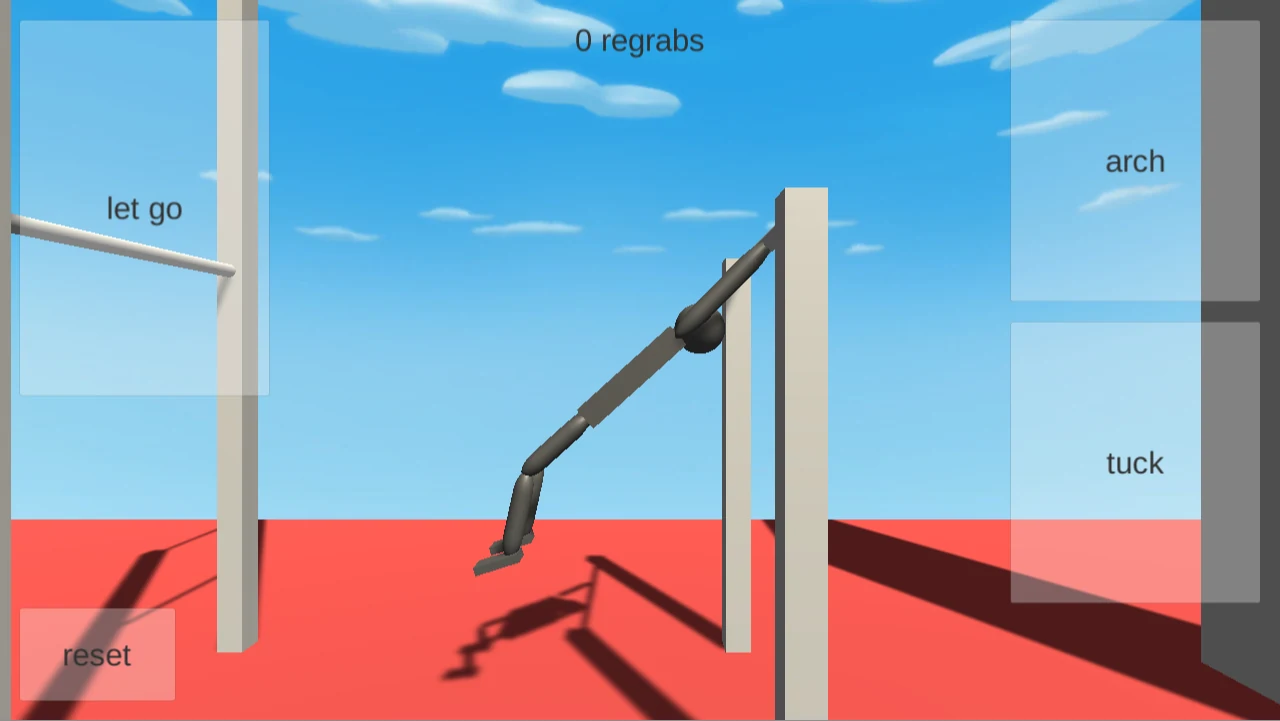
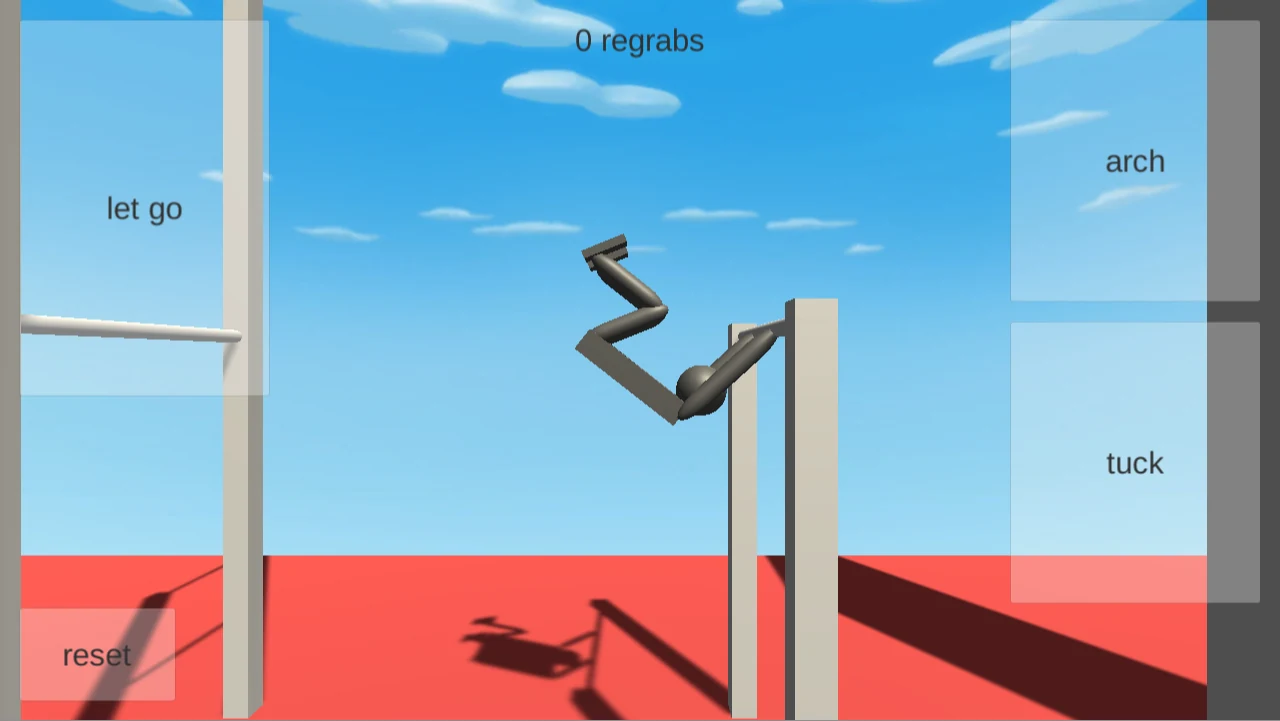
Use the pictures to identify the actions, rather than to match an exact body angle. The character's position changes as it moves.
Practice the NoomiClone Controls in a Short Sequence
Practice the NoomiClone controls in one sequence. Press one posture key at a time, letting go of the key before pressing the next.
- Press R to return to the bar.
- Hold Space and watch the legs fold, then release Space.
- Hold ← and watch the body extend, then release the arrow key.
- Try another tuck with Space, followed by another arch with ←, releasing each key before switching.
- Press ↑ to let go and watch the character fall to the ground.
- Press R to return to the bar for another attempt.
This NoomiClone routine drills pose transitions, releasing, and resetting. It does not require an upright landing or a regrab.
Let Go and Try Again
- Press R to return the character to the bar.
- Press ↑ to release the grip.
- Watch the character leave the bar and reach the ground.
- Press R again to return to the bar for another attempt.
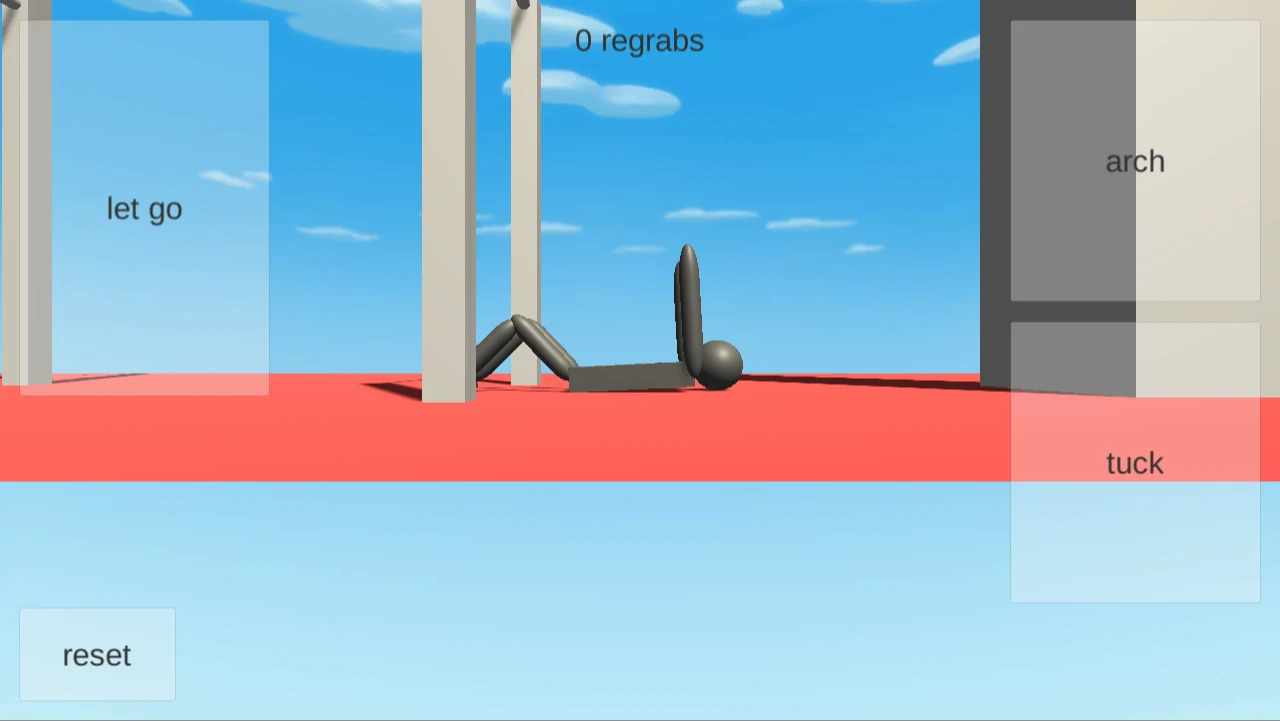
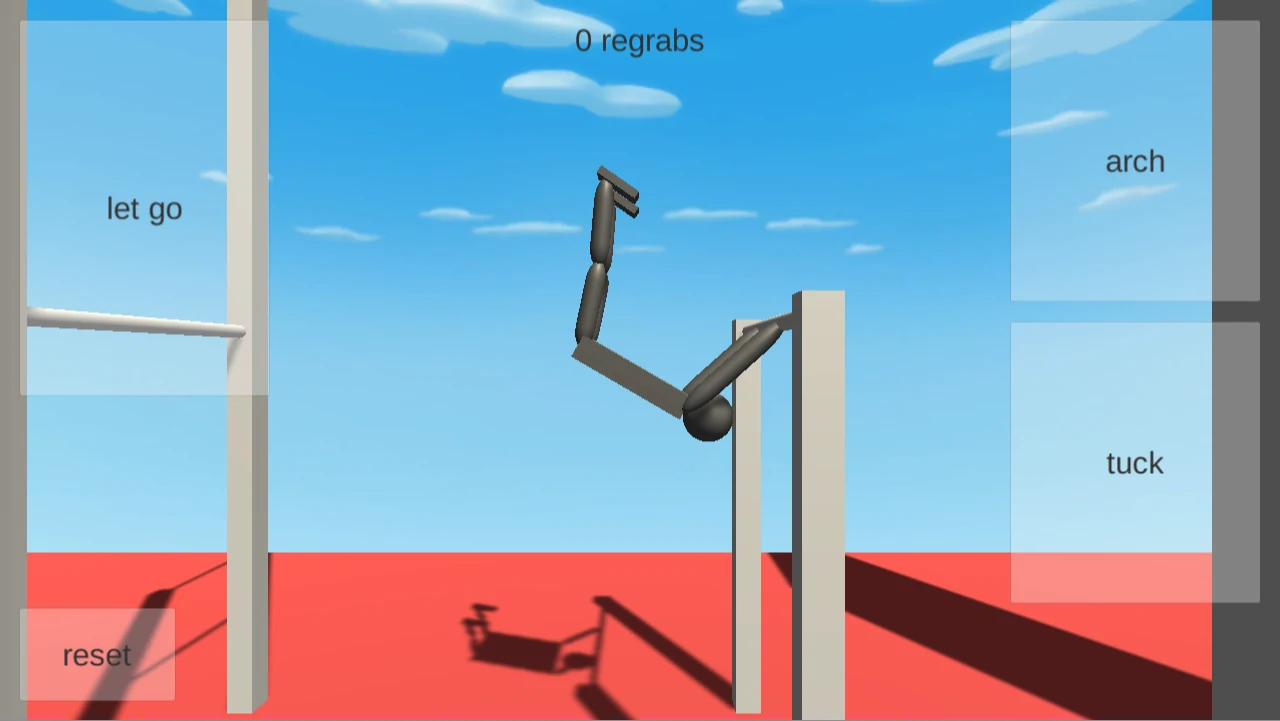
This NoomiClone exercise teaches release and retry. It does not require landing on your feet or completing a regrab.
NoomiClone Swing Timing and Letting Go
To practice NoomiClone swing timing, compare the two release attempts below. Both began with Reset, then Tuck followed by Arch. The first used Let go earlier in the arching phase; the second waited longer before letting go. Both reached the ground, with different body positions visible in the result pictures.
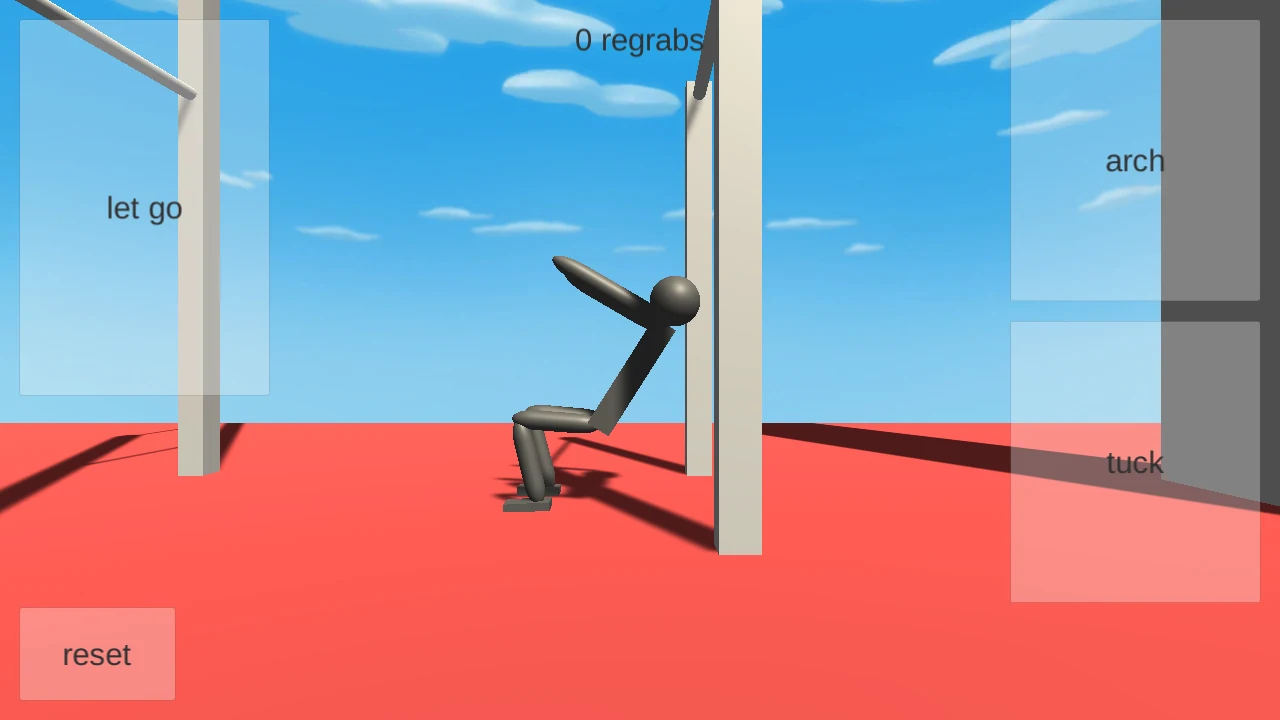
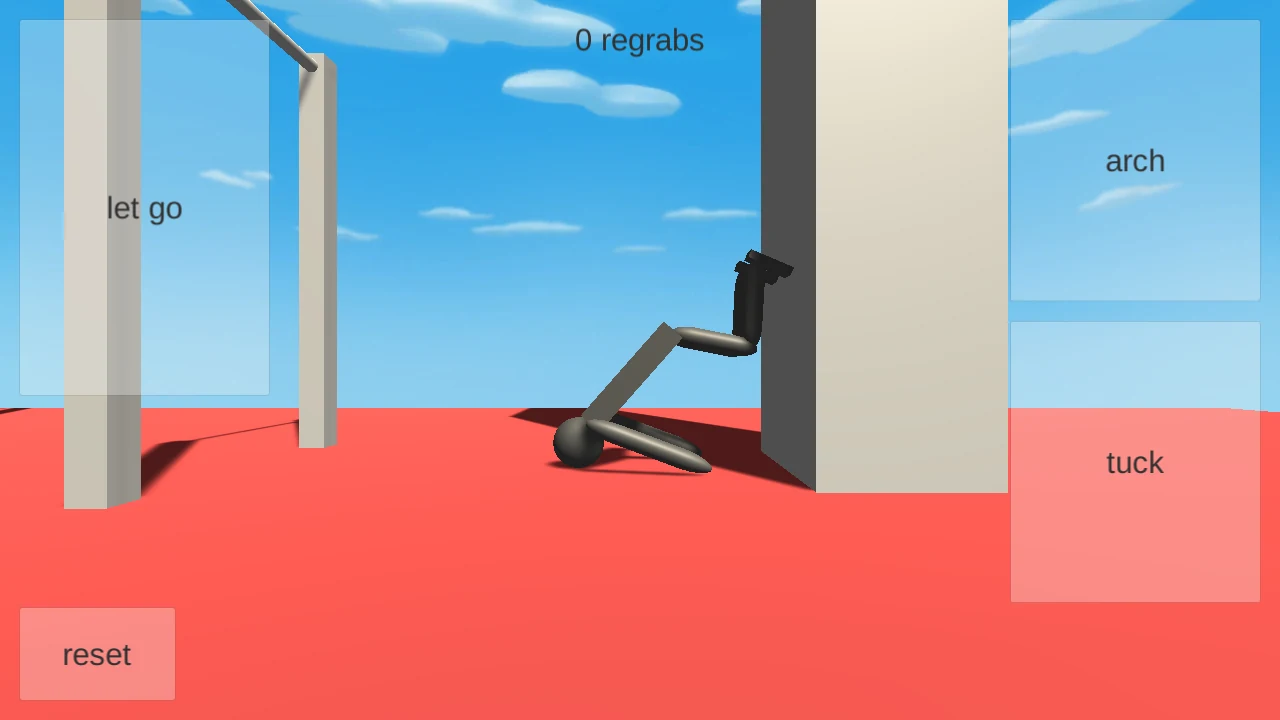
Neither NoomiClone release example establishes a best release point. Try a short comparison of your own:
- Press R to start again.
- Repeat the same opening pose actions: tuck with Space, then arch with ←.
- Try pressing ↑ when the character is at a different point in its movement.
- Observe the position after landing, then use R for another attempt.
What Does “Regrabs” Mean on Screen?
The label at the top of the NoomiClone screen displays regrabs, meaning catching a bar again after releasing it. Practice the introductory poses and release-reset loop above, which does not require a successful regrab.
Choose the Instructions for Your NoomiClone Version
These pictures come from browser build 0.9. Mobile store releases have their own controls and features. For a Windows installation route, compare the PC options; for more practice, return to NoomiClone online.